
For many community organizations and rental businesses, technology is often an afterthought. You make do with what you have until what you have starts holding you back.
Recently, I worked with a formal wear rental organization that had outgrown its "good enough" solution. They were running off-the-shelf rental software installed locally on a single Windows machine. It technically worked, but it created a massive bottleneck. If a staff member needed to check inventory or log a return, they couldn’t just open a browser; they had to use Remote Desktop to log into that one specific computer.
It was clunky, it limited collaboration, and it kept their data trapped in a silo.
We replaced that friction with a custom Formal Wear Rental Management System a modern web application accessible from any device. Here is how moving from a legacy desktop app to a custom cloud solution transformed their operations.
1. Breaking the "One Computer" Chain
The most immediate win was accessibility. The old method of "taking turns" to remote into a single PC is gone. The new system is a modern web interface, meaning staff can log in from their own laptops, tablets, or phones simultaneously. Team members can now check a gown’s status or process a return without fighting for digital access.
2. Solving the Inventory Chaos
In the rental business, "available" isn't a simple Yes/No question. Is the dress actually in the shop? Is it reserved for a gala next month? Is it currently at the dry cleaners?
The previous software struggled with these nuances, leading to the fear of double-booking, a disaster for any customer preparing for a big day. The new system introduced real-time status tracking. We built a workflow that automatically transitions items through their lifecycle: Reserved → Picked Up → Cleaning → Closed. Now, the system automatically detects when an item is returned and flags it for cleaning, ensuring nothing goes back on the rack until it’s ready.
3. Built for Events, Not Just Transactions
Generic rental software often treats a rental as a simple exchange: Item Out, Item In.
But for this organization, the context matters. We built this system to revolve around the Event Date. The system automatically calculates hold periods, defaulting to 7 days before and after the event. This ensures that scheduling is based on the actual usage needs of the customer, not just arbitrary calendar blocks.
4. Handling Non-Profit Nuances
Commercial software rarely handles the specific financial needs of a charitable organization. This system was built to manage specific operational requirements:
Grant Eligibility: Tracking customers who qualify for assistance programs so they receive the correct subsidized pricing.
Donation Receipts: Automatically calculating the tax-deductible portion of rental fees and generating the necessary data for receipts.
5. Clarity at a Glance
Business owners often fly blind. They can't easily answer, "How many rentals are overdue right now?"
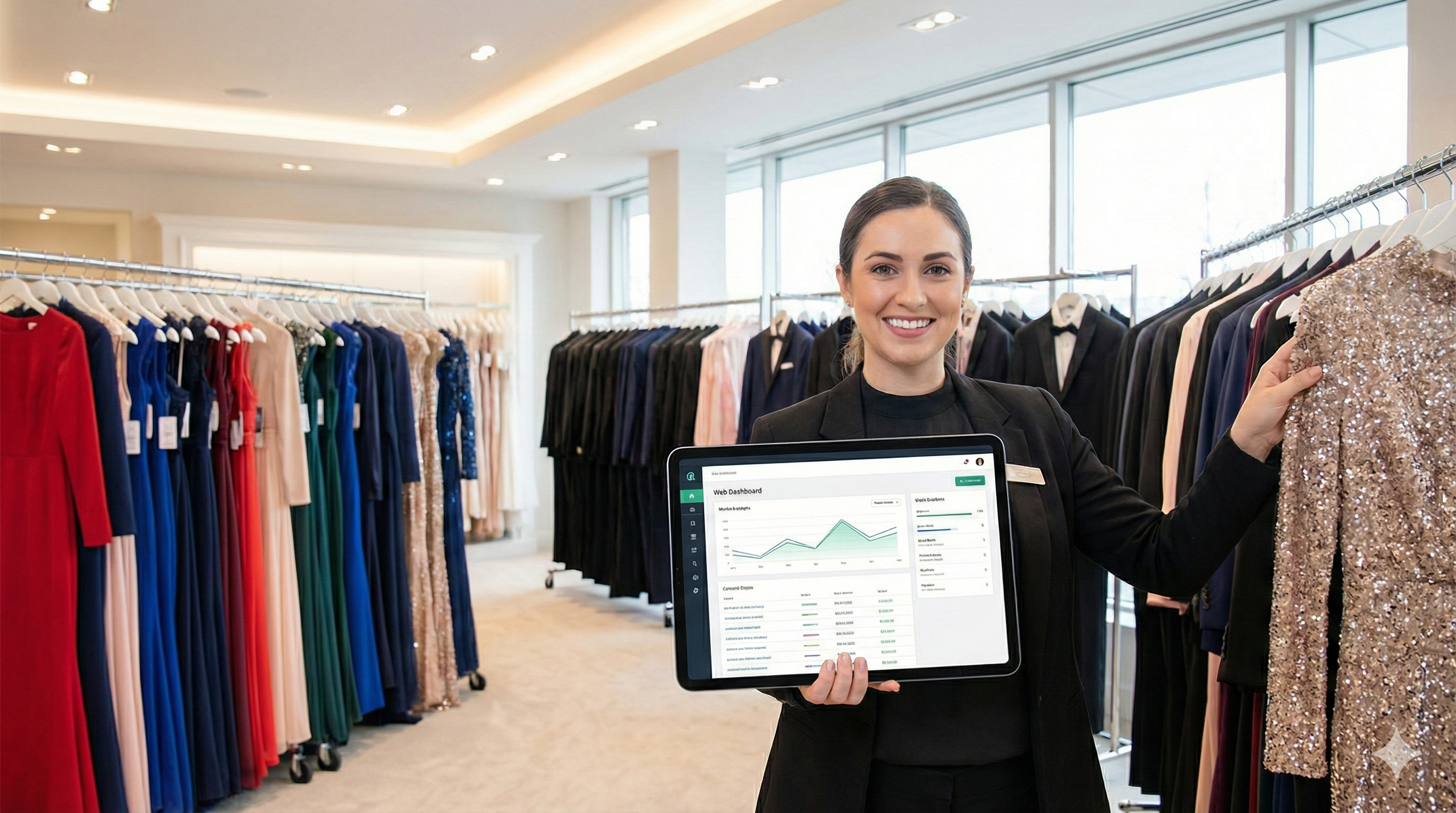
We solved this with a real-time dashboard. Now, when an admin logs in, they see immediate metrics: active rentals, overdue items (highlighted for attention), and upcoming events for the week. No more running complex reports just to get a pulse on the day's operations.
The Bottom Line
Transitioning from a single-machine desktop application to a custom web platform didn't just "digitize" the business; it uncapped their potential. By automating the tedious tasks like calculating cleaning fees or tracking accessories staff can spend less time fighting with Remote Desktop connections and more time helping customers prepare for their special occasions.
(For technical version see here)