
Challenge
A pooled income trust needs to manage applications, client accounts, deposits, bills and monthly statements with a clear administrative workflow. Its legacy portal was built in ASP.NET and Visual Basic by another vendor. The organization needed an updated system for the people applying to join the trust, the staff reviewing applications and bills, and the team managing payments and reporting.
The application process gathers information about the beneficiary, guardian, power of attorney, Medicaid contact, income, funeral or life insurance, and the joinder agreement. After an application is approved, the trust needs to manage deposits, bill approvals, recurring payments, fees and statements. Referral partners and the public website also form part of the service.
What we built
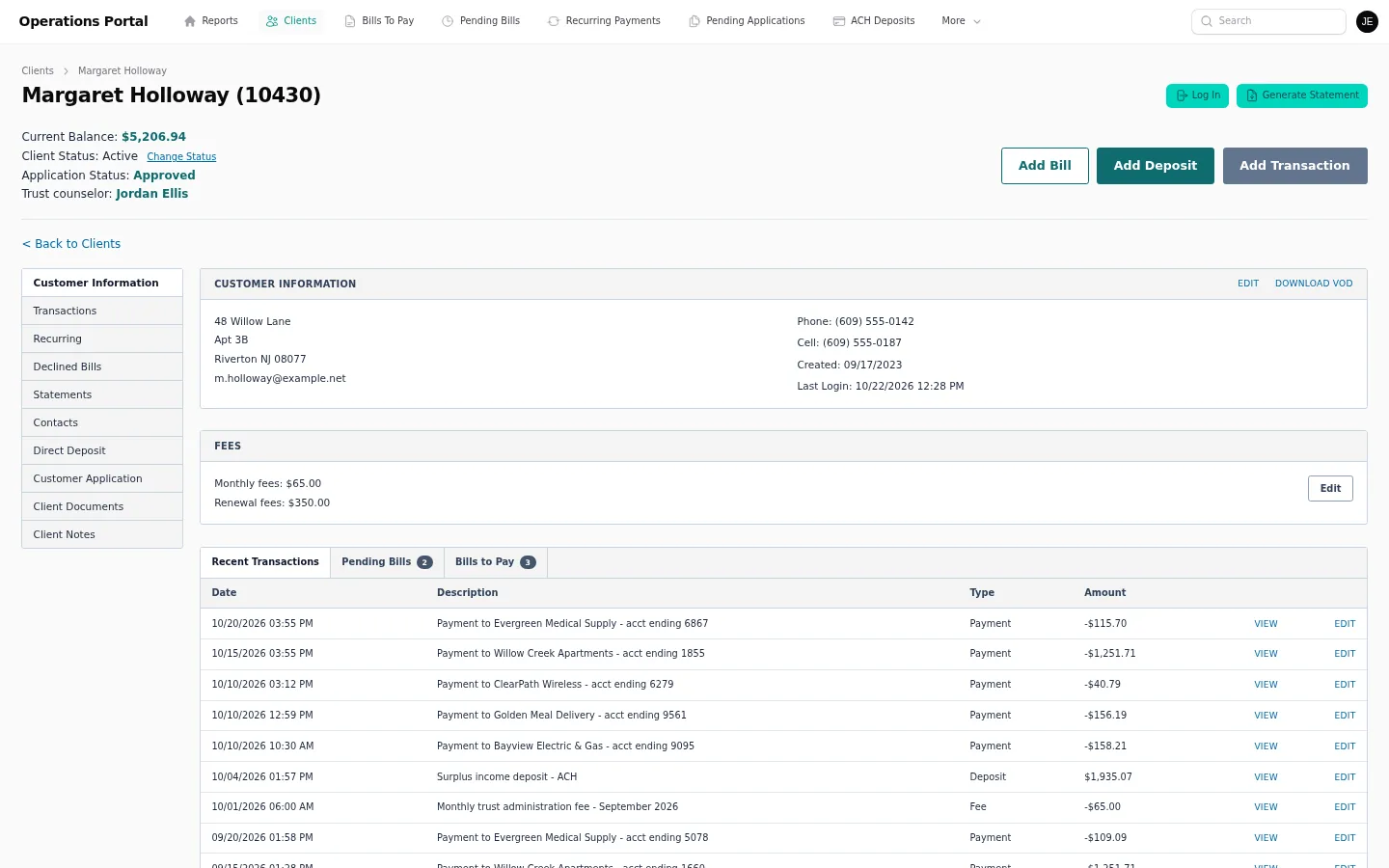
We rebuilt the portal with a multi-step online application for beneficiary, guardian, power of attorney, Medicaid contact, income, funeral or life insurance, and the joinder agreement. Staff can review applications through an approval workflow and manage client accounts. Deposits include ACH and direct deposit.
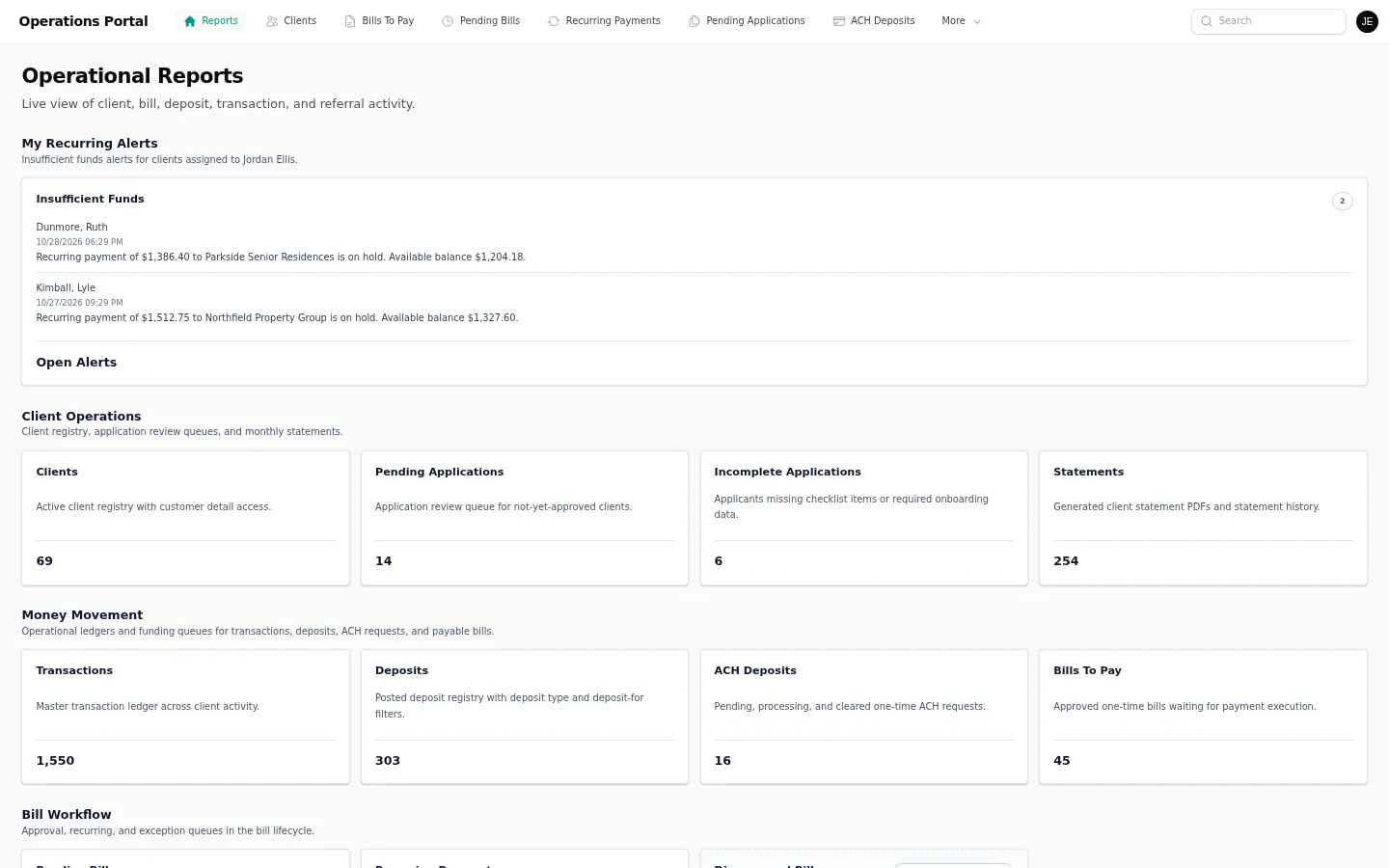
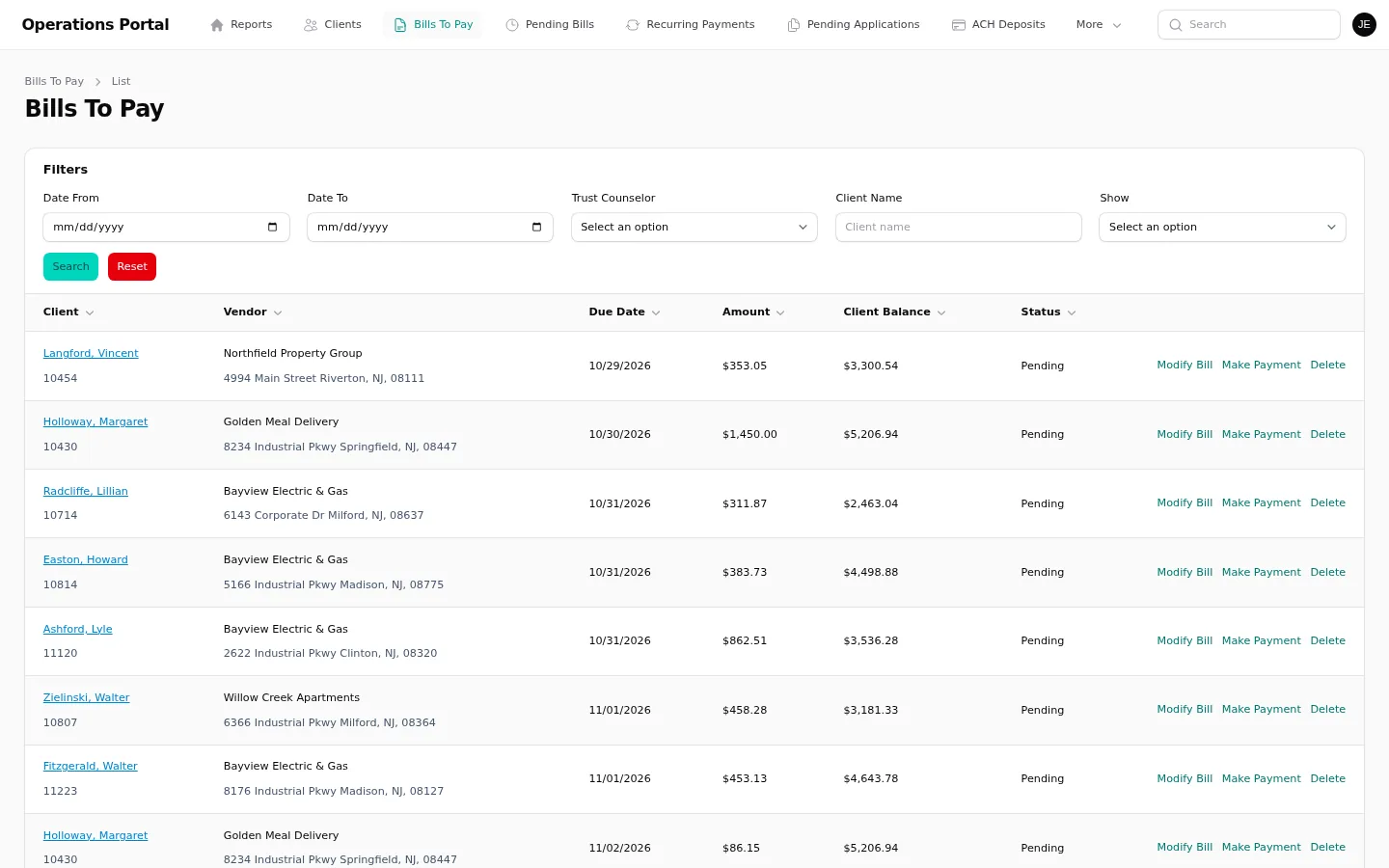
Bills can be approved or disapproved with a reason, and Bill.com supports payment of approved bills. The portal supports recurring payments and auto-pay alerts. It generates and delivers monthly statements automatically, with an archive clients can use to download prior statements. Staff can save and schedule reports, manage referral partners and use the public website rebuilt in the same codebase.
How we worked
We organized the system around the lifecycle of a trust account. Applicants provide information through the online form, staff review the application, and approved applications become client accounts. Deposits, bills and recurring payments each have their own workflow, so staff can see what was received, what needs approval and what is scheduled.
Statement generation and delivery happen on a monthly cycle, and the archive gives clients a place to retrieve prior statements. Staff can save and schedule reports, while referral partner records and the public site sit alongside the portal. Postmark supports email delivery, Bill.com supports bill payments, and ACH or direct deposit supports account funding.
The portal also gives staff a way to save reports for later and schedule recurring reporting tasks. The statement archive supports client access to previous monthly records, while email delivery puts each statement into the client's inbox. Staff can work from one platform for applications, accounts, bill decisions, payments and client communications. The public website uses the same codebase as the portal, so the organization can manage its public-facing site alongside service operations.
Result
Applicants can complete the trust application online, and staff can review applications and manage client accounts, deposits and bill decisions. Clients can use recurring payments and receive monthly statements automatically, with prior statements available in the archive. Staff can schedule reports and manage referral partners in the same platform as the rebuilt public website.